Calister
Draw it exactly, then paint it freely
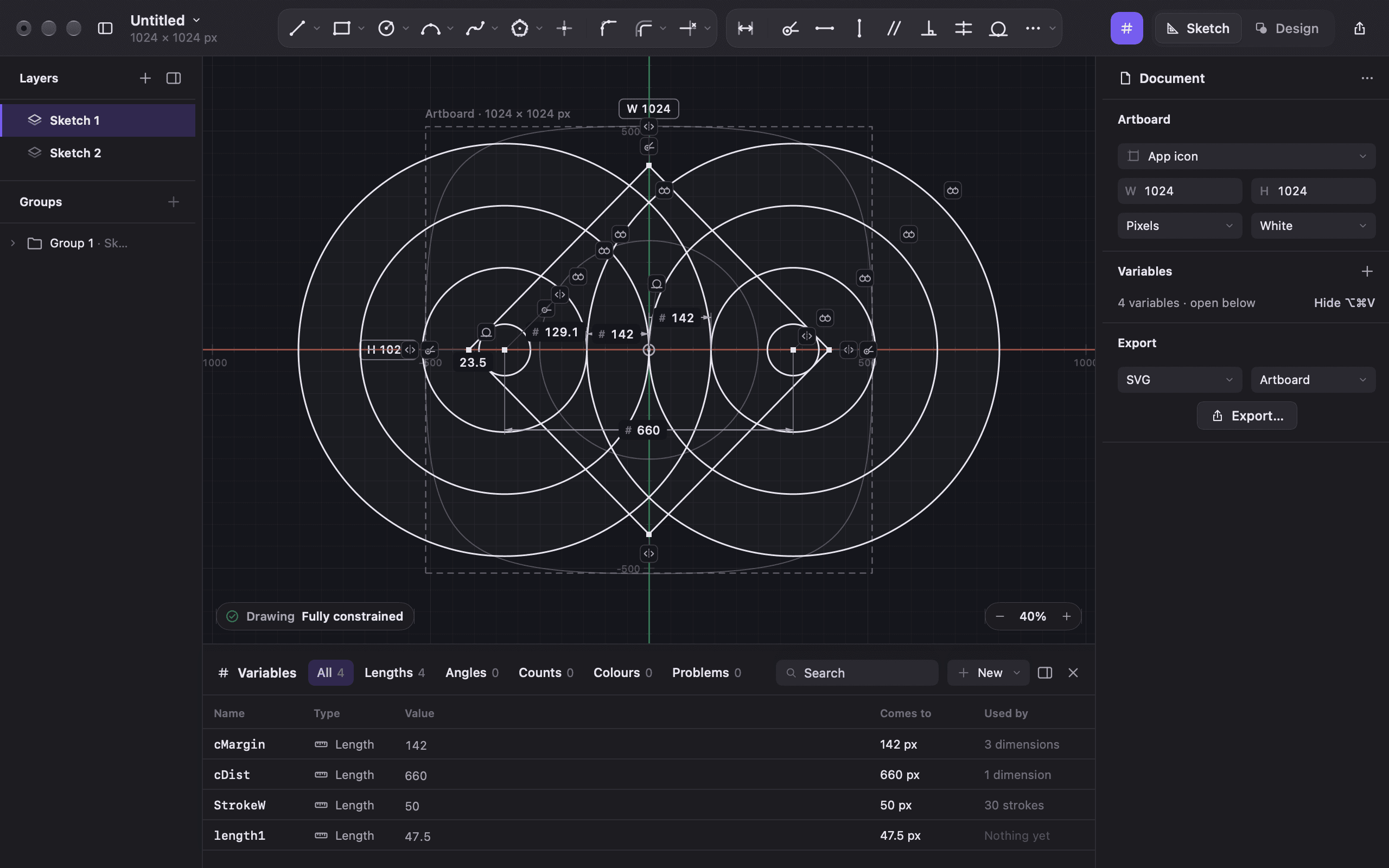
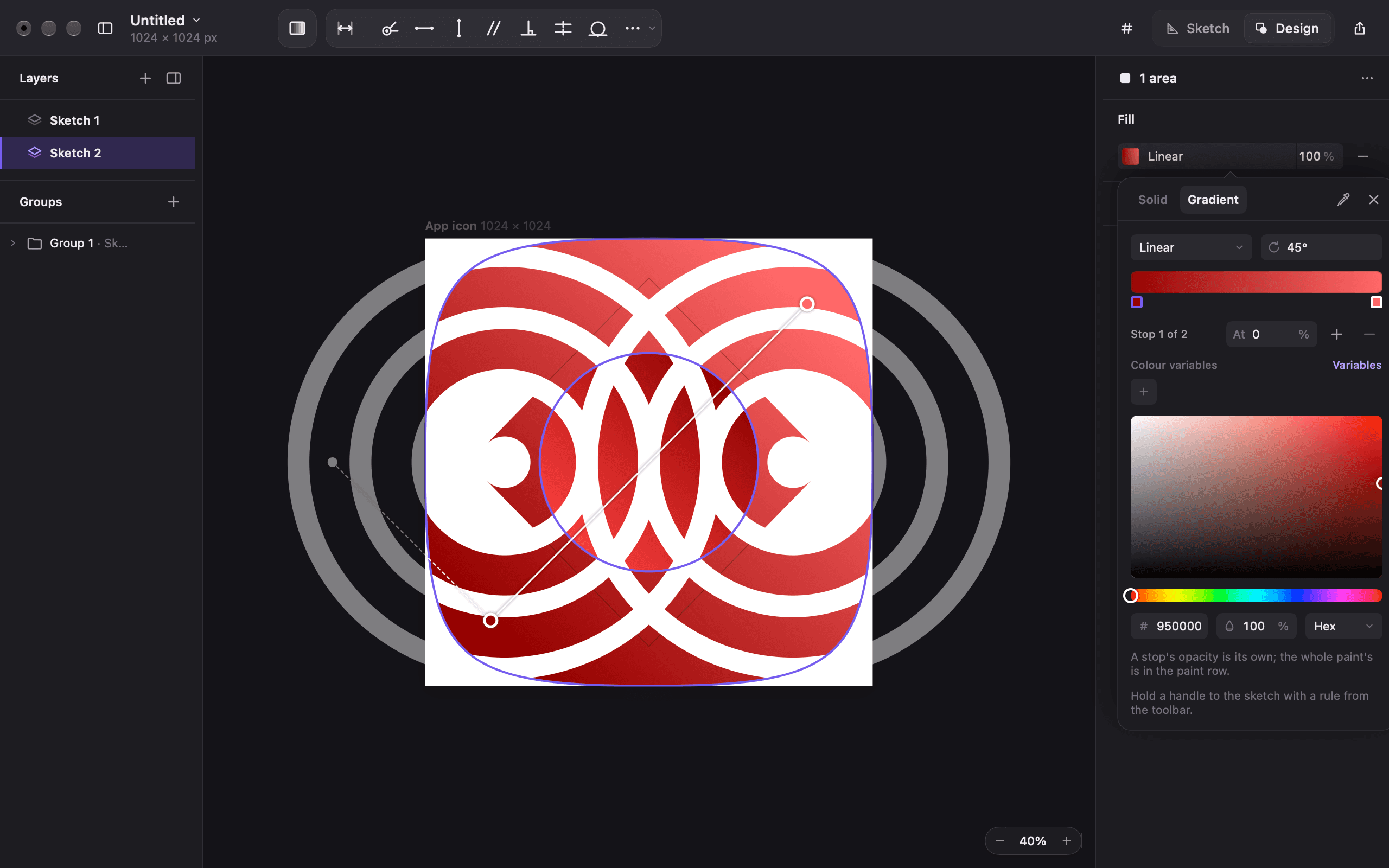
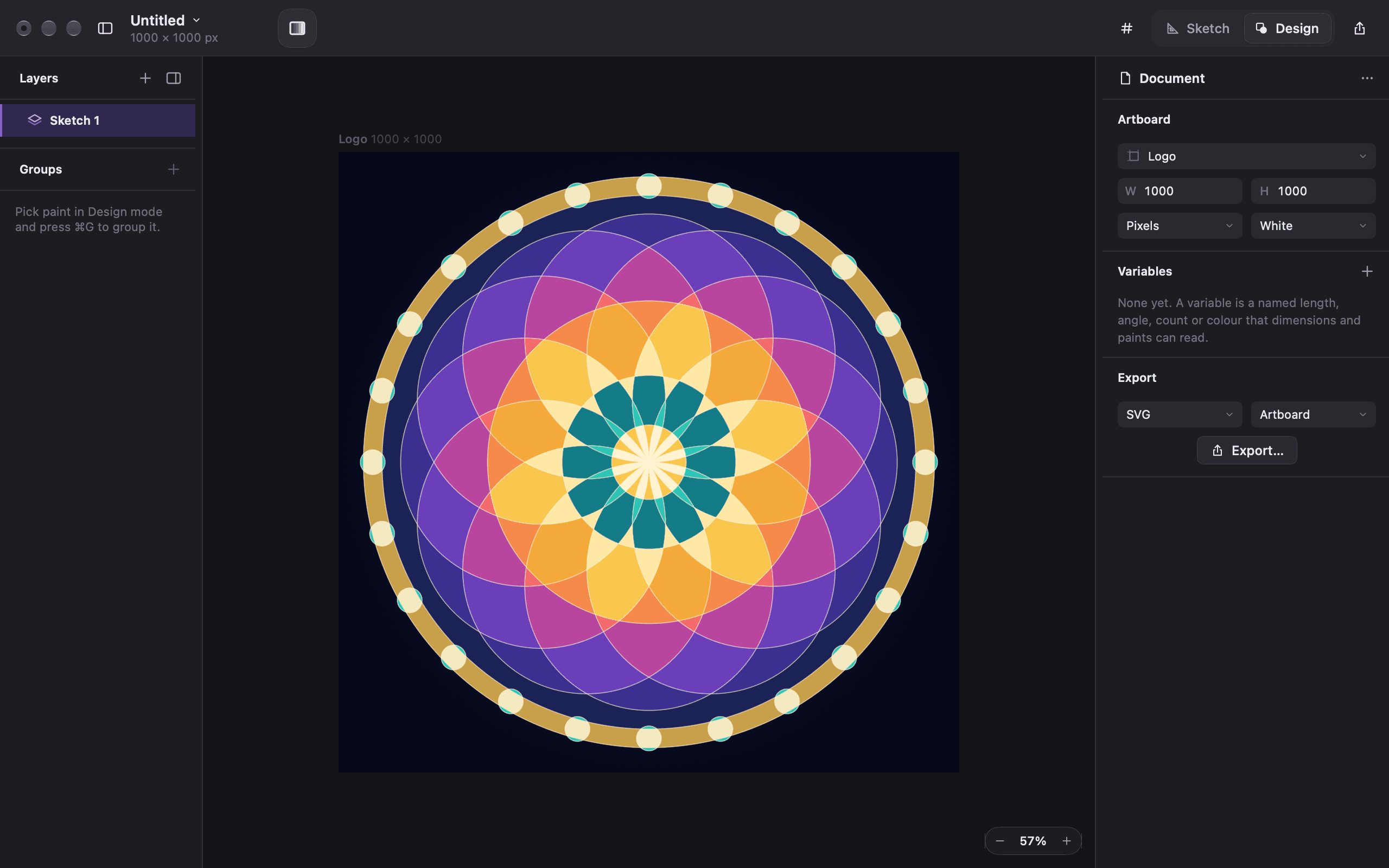
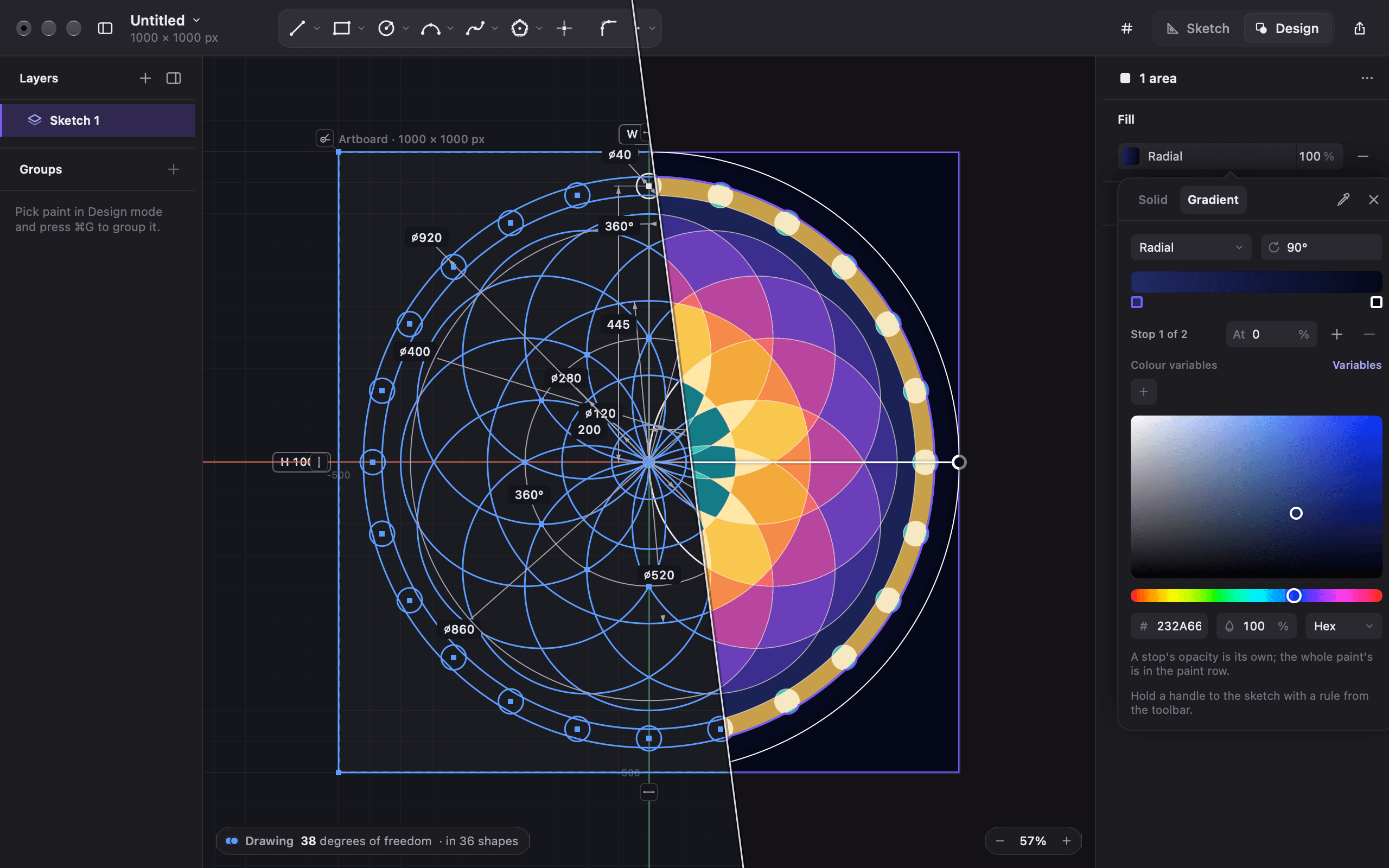
Calister joins the precision of engineering CAD to the freedom of a vector illustration app. Shapes are drawn in Sketch mode, where every line is held by rules and numbers. They are painted in Design mode, where any area the lines enclose can be filled and any stretch of line can be stroked. It is for logos, icons and marks, where a shape being nearly right counts as wrong.
- In development
- Sketch and Design
- 630, all green
Two halves of one drawing
Illustration apps let you draw anything and promise nothing. Move one point and every relationship you had in your head has to be put back by hand. CAD apps promise everything and hand you a wireframe. Calister keeps the promise from CAD and the result from illustration, and it does it by giving each half its own mode.
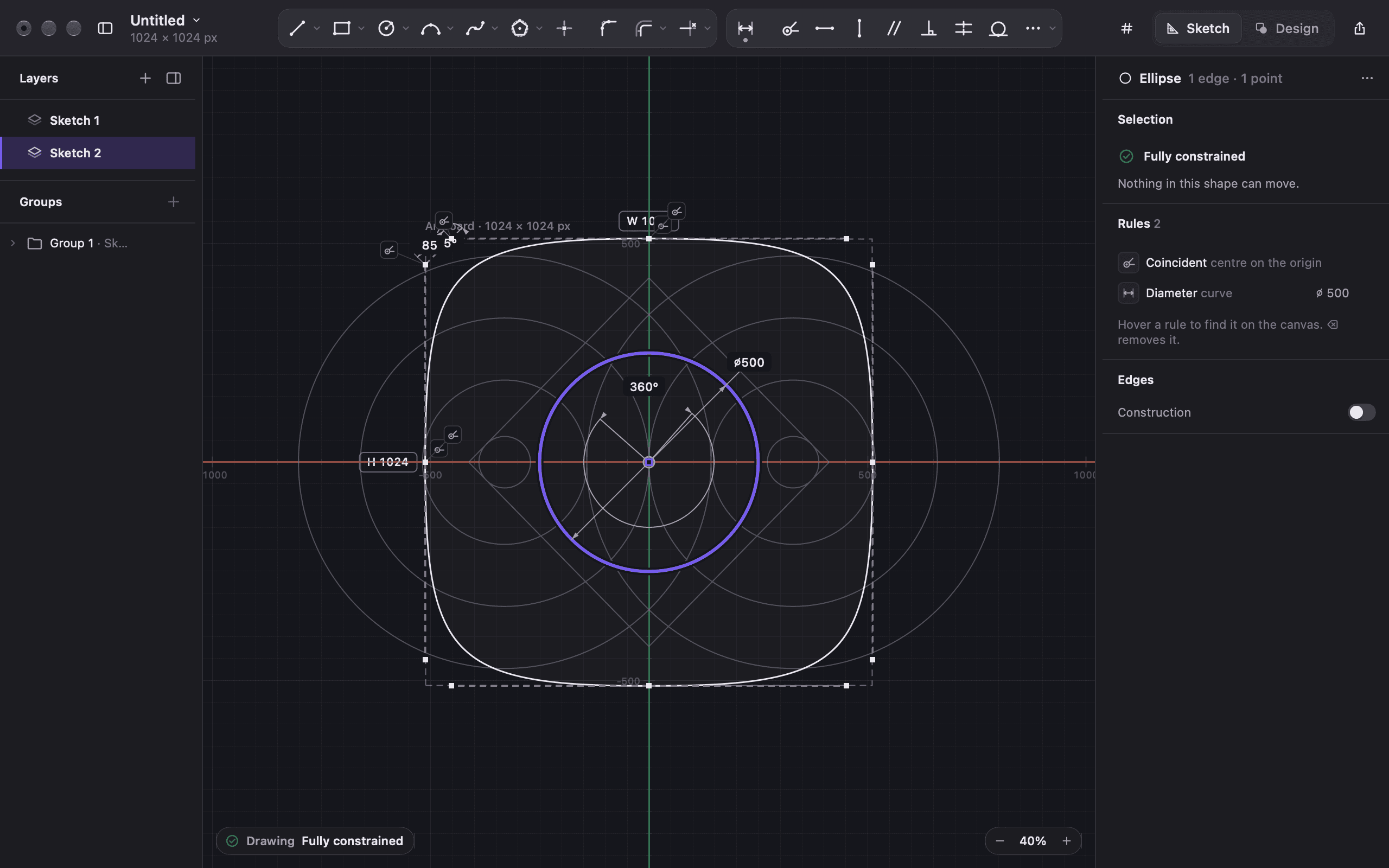
Sketch mode is where every line, arc, curve and rule is made, and the only place geometry ever changes. You draw roughly, then say what must stay true. This edge is horizontal, these two circles are concentric, the margin is `#cMargin`. Change the variable and everything that depends on it follows.
Design mode is a lens over the sketch. It sees the drawing as it looks, not as it was built: lines that cross cut each other, every enclosed area can take a fill, and every stretch of line between crossings can take a stroke. Gradients have handles you drag, and those handles can be held by the sketch's own rules. Design never moves the geometry under the paint.
How it fits together
A document is a page and a stack of sketches, edited one at a time with the others dimmed underneath, the way layers work in a design app. Dependency only ever flows one way: page, then sketches, then paint. A sketch can follow the page's edge but never pull it. A gradient handle can follow a corner but never move it. That one rule is why an edit upstream never leaves the paint in a state it cannot explain.
When something cannot happen, Calister says why in the drawing's own words. A refused rule names the rules in its way, and a shape shows whether it is fully held or what can still move. Where the two worlds have different words for the same thing, the interface uses the designer's word.
How it is built
`CalisterCore` is a Swift package holding the geometry, the constraint solver, the area engine and the document, and it never imports SwiftUI or AppKit. The app around it is SwiftUI for windows and panels, with a custom AppKit canvas drawn in Core Graphics. The solver is an in-house Gauss-Newton with Levenberg-Marquardt damping on Accelerate, re-solving live as you drag.
Every planned work plan is built, thirteen of them. The suite stands at 630 tests. What is left before anyone else gets it is the part that decides whether a drawing tool feels good rather than merely correct.